
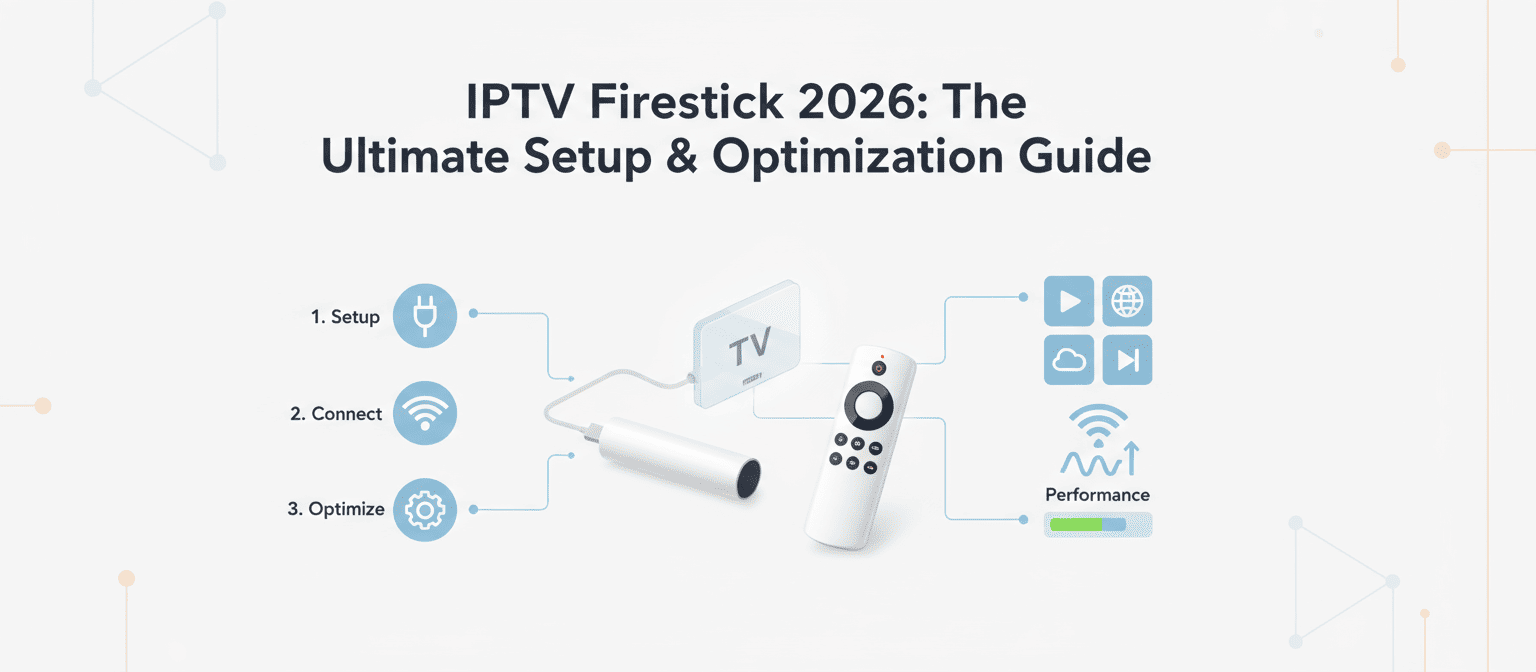
Streaming in 2026 continues to improve, and the Amazon Fire TV Stick remains one of the most popular devices for IPTV users. It is fast, affordable, and easy to set up. If you want smooth HD or 4K streaming, combining your Firestick with a reliable provider like Xtreme HD IPTV UK is one of the best choices.
This guide explains how to prepare your Firestick, install IPTV apps, load your subscription, fix common issues, and optimize your streaming performance.
Table of Contents
- What Makes Firestick Great for IPTV in 2026
- Things You Need Before Setting Up IPTV
- How to Prepare Your Firestick
- How to Install an IPTV App on Firestick
- How to Add Your IPTV Subscription
- Best IPTV Settings for Smooth Streaming
- Fixing Common Issues on Firestick
- Why Xtreme HD IPTV UK Works Perfectly with Firestick
- Security Tips for IPTV in 2026
- Final Thoughts
1. What Makes Firestick Great for IPTV in 2026
The Firestick is one of the most used streaming devices in 2026 thanks to its speed, stability, and compatibility with many IPTV apps.
Top advantages include:
- Fast Wi-Fi 6 support for stable streaming
- Full support for IPTV apps
- 4K playback for movies and sports
- Regular Amazon updates
- Small and portable design
- Great performance with services like Xtreme HD IPTV UK
2. Things You Need Before Setting Up IPTV
Before you begin, make sure you have:
- Amazon Firestick (4K or 4K Max recommended)
- Stable internet: at least 20 Mbps for HD and 50 Mbps for 4K
- Your IPTV subscription details
- An IPTV player such as Downloader, TiviMate, iMPlayer, XCIPTV, or Smarters
- Your Firestick remote or the mobile app
If you use Xtreme HD IPTV UK, all subscription details come instantly after purchase.
3. How to Prepare Your Firestick
Step 1: Connect Your Device
Plug the Firestick into your TV HDMI port and power it up.
Step 2: Connect to Wi-Fi
Go to Settings, choose Network, and select your Wi-Fi.
Step 3: Enable Apps from Unknown Sources
To install IPTV apps, you must enable sideloading.
- Open Settings
- Select My Fire TV
- Open Developer Options
- Enable Apps from Unknown Sources
- Enable ADB Debugging
4. How to Install an IPTV App on Firestick
Method 1: Install via Downloader
- Open Firestick Home
- Search for Downloader
- Install the app
- Open Downloader
- Enter your IPTV app download link
- Install the app once downloaded
Method 2: Install from Amazon Store
Some apps like IPTV Smarters or Smart IPTV may be available directly in the store.
- Go to Search
- Enter the app name
- Download and install
5. How to Add Your IPTV Subscription
If you use IPTV Smarters:
- Open IPTV Smarters
- Select Login with Xtream Codes API
- Enter your username
- Enter your password
- Enter the server URL
- Select your profile
- Start streaming
If you use TiviMate:
- Open TiviMate
- Add Playlist
- Enter the M3U link
- Add the EPG URL
- Save
All details for Xtreme HD IPTV UK come in the activation email.
6. Best IPTV Settings for Smooth Streaming
Improve Video Performance:
- Set playback to Auto or 4K
- Enable hardware acceleration
- Clear cache from time to time
Boost Network Stability:
- Use a 5 GHz Wi-Fi network
- Place Firestick near the router
- Restart the router weekly
Use an Ethernet Adapter
If your Wi-Fi is weak, using a Firestick Ethernet adapter can improve stability.
7. Fixing Common Issues on Firestick
Solution 1: Restart the Device
Hold the Play and Select buttons for five seconds.
Solution 2: Clear App Cache
Go to Settings, Applications, choose your IPTV app, then clear cache.
Solution 3: Test Internet Speed
Use the Silk Browser to run a speed test.
Solution 4: Update Your IPTV App
Outdated apps often cause freezing and lag.
Solution 5: Reboot the Router
Most IPTV issues are solved by a simple restart.
Solution 6: Use a VPN (Optional)
If your ISP limits streaming, a VPN may help stabilize performance.
8. Why Xtreme HD IPTV UK Works Perfectly with Firestick
Xtreme HD IPTV UK is optimized for Firestick performance and offers a better experience than many competitors. The service includes:
- Very fast channel switching
- Low buffering during peak hours
- 4K support for sports and movies
- Accurate EPG that works with TiviMate and Smarters
- Large selection of international channels
- Friendly support team ready to help with setup
9. Security Tips for IPTV in 2026
- Keep Firestick OS updated
- Install apps only from trusted sources
- Avoid free IPTV apps
- Use parental controls if needed
- Disable unknown sources after installing your apps
10. Final Thoughts
The Firestick remains one of the easiest and most reliable ways to watch IPTV in 2026. When combined with a strong provider like Xtreme HD IPTV UK, you can enjoy stable HD and 4K streaming on all your favorite channels.
If you want more information or a step by step installation with screenshots, you can check this installation guide here