In this guide
01What an IPTV EPG is and what it does02Why an EPG says no information or not available03Run the safest checks first04Check the UK date, time and EPG offset05Refresh the guide without losing favourites06Fix slow EPG loading on Fire TV and Android TV07Diagnose wrong programmes or mismatched channels08Know when the source data needs attention09Choose an IPTV player with EPG featuresWhat an IPTV EPG is and what it does
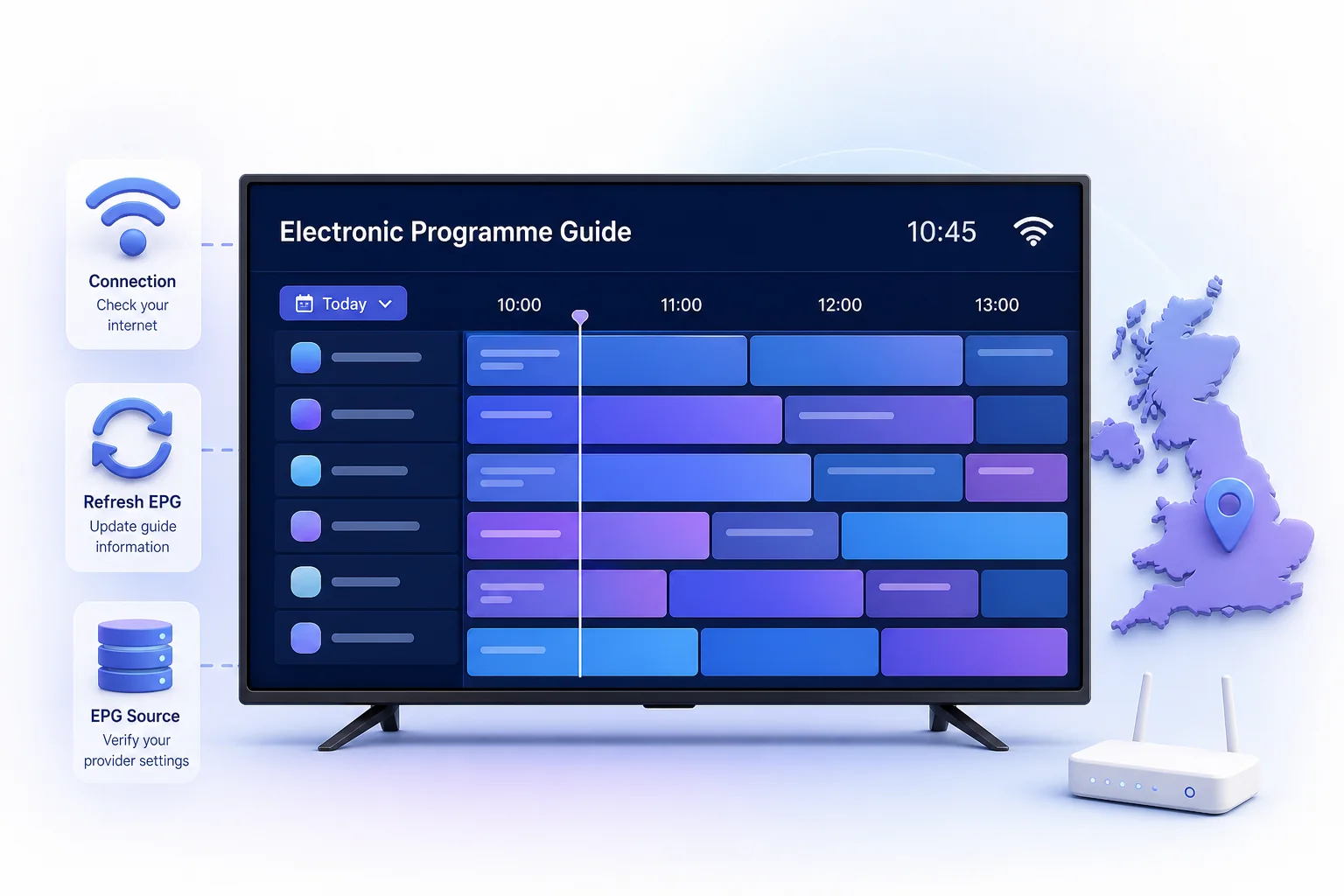
An EPG is schedule data displayed by a compatible IPTV player. It can show a programme title, start and finish time, description and the next programme. The player normally combines that schedule with the channels in an authorised playlist.
The guide is not the video stream itself. A channel can play while its schedule is empty, and an EPG can appear even when a particular stream is temporarily unavailable. Treat playback and guide data as two related but separate systems when diagnosing a fault.
- Channel data tells the player what can be opened.
- EPG data tells the player what is scheduled and when.
- Channel identifiers help the player match each schedule row to the correct channel.
- The device clock and time zone affect where programmes appear on the timeline.
Why an EPG says no information or not available
A blank guide does not prove that the player is broken. The schedule may still be downloading, the source may not include data for that channel, or the identifiers may not match. A very large guide can also take longer to index on an older Fire TV stick, Android TV box or Smart TV.
If every channel is blank, start with the account, refresh and device checks. If only one group or a few channels are affected, the more likely cause is missing or mismatched programme data for those entries.
- The first EPG download has not completed.
- The playlist refreshed but the guide did not.
- The player is using an old cached guide.
- The device date, time or UK time zone is incorrect.
- Programme data is not supplied for that channel.
- The channel name or identifier does not match the EPG entry.
Run the safest checks first
Do not uninstall the app as the first response. Reinstallation can remove local favourites, settings or viewing history in players that do not synchronise them. Start with reversible checks and change only one thing at a time.
- Confirm that live channels can open and that the internet connection is stable.
- Wait for the initial playlist and guide refresh to finish.
- Close the player completely, reopen it and check the same channel again.
- Open the player's EPG or playlist settings and request one manual refresh.
- Restart the device normally if the refresh remains stuck.
- Compare a second channel group before assuming the whole guide has failed.
Check the UK date, time and EPG offset
Programme blocks that appear one hour early or late usually point to a clock, time-zone or offset problem rather than missing data. UK devices should normally use automatic date and time with the appropriate local time zone so daylight-saving changes are handled by the operating system.
If the device time is correct but one player is shifted, look for an EPG offset setting. Return it to the default before making manual adjustments. A permanent plus-one or minus-one workaround can become wrong again when the UK moves between GMT and British Summer Time.
- Enable automatic date and time on the device.
- Confirm the displayed local time is correct.
- Reset any player-level EPG offset to zero for a clean test.
- Refresh the guide after correcting the clock.
Refresh the guide without losing favourites
Most players offer separate actions for refreshing the playlist and refreshing the EPG. Use the guide refresh first. If that fails, refresh the playlist once and allow both processes to complete before navigating rapidly between categories.
Clearing an EPG cache is different from clearing all application data. Use the narrowest available option. Avoid Android's Clear storage or Clear data command unless you understand exactly what the player stores locally and have a backup or synchronised account.
- Prefer Refresh EPG or Update guide.
- Use Clear EPG cache only when the player provides that specific option.
- Avoid deleting profiles, playlists or complete app storage during the first attempt.
- Let the progress indicator finish before judging the result.
Fix slow EPG loading on Fire TV and Android TV
Low free storage, background applications and very large channel lists can make guide indexing slow on modest television hardware. The goal is to reduce device pressure without using risky cleaner applications or unknown modified players.
- Restart the device instead of leaving it in standby for weeks.
- Remove unused applications and keep reasonable free storage.
- Install operating-system and player updates from trusted sources.
- Use a stable 5 GHz Wi-Fi connection or compatible Ethernet where practical.
- Disable unnecessary startup applications on devices that support it.
- Allow a large guide to complete its first index before opening several sections.
Diagnose wrong programmes or mismatched channels
When the guide is populated but describes the wrong programme, first compare several channels. One incorrect row suggests a matching problem; every row being shifted by the same amount suggests the clock or offset.
Channel-to-guide matching usually depends on identifiers supplied with the playlist and EPG. Renaming a visible channel does not necessarily change that underlying identifier. If a small group remains mismatched after a clean refresh, report the exact channel names and approximate time to support without sharing the playlist address or login details.
- Check whether the problem affects one channel, one group or the entire guide.
- Confirm whether the programme is wrong or simply shifted in time.
- Record the player name, device model and approximate time.
- Do not post screenshots containing usernames, URLs, MAC addresses or device keys.
Know when the source data needs attention
If the same channels lack guide data in two compatible players after a completed refresh, the source data or its channel mapping may need attention. Repeatedly reinstalling both players is unlikely to repair programme information that is not being supplied.
Contact the authorised provider with a short, reproducible description. State which channel group is affected, whether playback works, whether the issue appears on another device and which troubleshooting steps were completed. That evidence is more useful than a general message saying the EPG does not work.
Choose an IPTV player with EPG features
Before choosing a player, confirm that it supports the authorised login method and the target device. EPG presentation varies: some applications prioritise a television-style grid, while others use a simpler channel list with current and next programme information.
Look beyond screenshots. Remote-control navigation, refresh controls, text size, storage use and the ability to preserve favourites all matter in daily use. A player cannot create accurate schedule data that is absent from the source, so guide quality depends on both the application and the supplied data.
- Check device compatibility and publisher identity.
- Confirm the guide can be refreshed independently.
- Choose readable text and remote-friendly navigation for the main TV.
- Prefer official stores or the developer's verified download page.
- Keep private account and playlist details out of public forums.
Frequently asked questions
What does EPG mean on IPTV?
EPG means electronic programme guide. It is schedule information shown alongside live channels, such as the current programme, start time and what is on next.
Why does my IPTV say EPG not available for this channel?
The guide may still be downloading, the source may not include data for that channel, or the channel identifier may not match its schedule entry. Refresh once, check another channel and verify the device time before reinstalling anything.
Why is my IPTV guide one hour out in the UK?
Check automatic date, time and the UK time zone first. Then reset any player EPG offset to its default because a manual offset can become incorrect when the UK changes between GMT and British Summer Time.
Will clearing EPG data remove my favourites?
A dedicated EPG-cache option normally targets guide data, but clearing all app storage can remove playlists, settings and favourites. Read the label carefully and use the narrowest refresh option available.
Can a player fix missing EPG information?
A player can refresh, cache and display supplied guide data, but it cannot invent accurate schedules that are missing from the source. If the same entries are blank in multiple compatible players, contact the authorised provider.